Private chat built on respect and consent
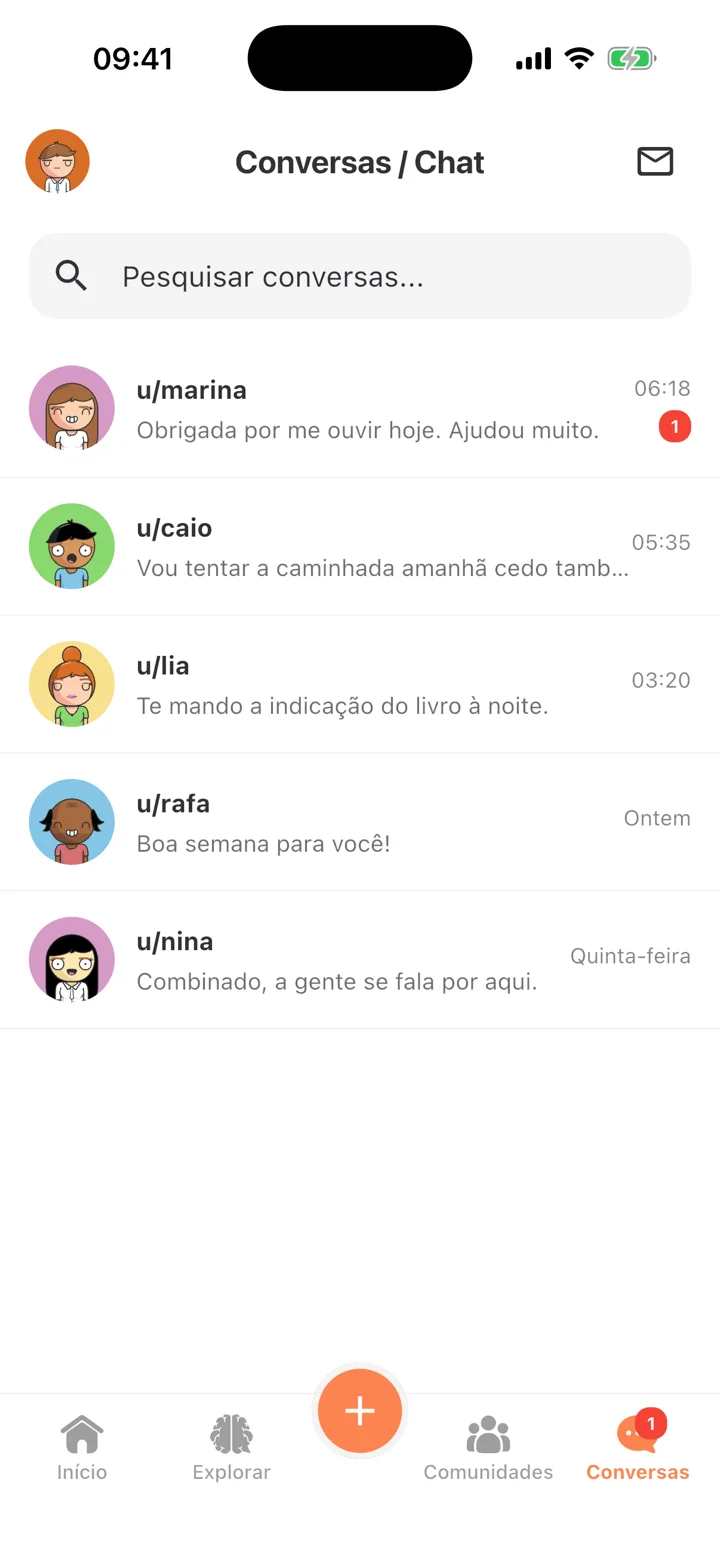
Help My Mind messages continue conversations that started in communities. People who have not talked to you yet need to send a request, and you decide who can reach you.
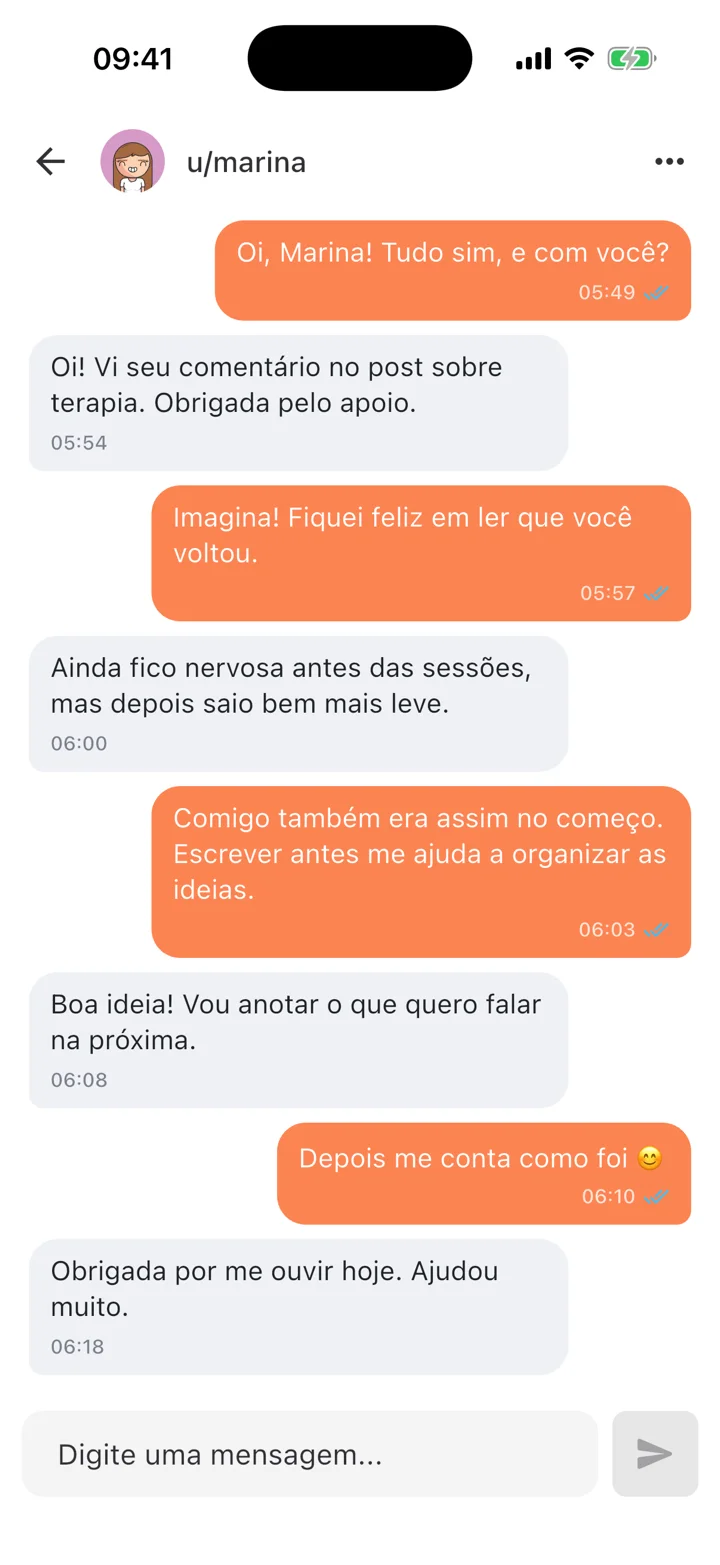
Private conversations for users aged 18+, with requests, permissions and reporting tools
How it works
Conversation requests
Messages from new people arrive as requests that you approve or decline.
Permissions under your control
Choose who can send requests: everyone, accounts older than 30 days, accounts with a minimum amount of empathy, or nobody.
Organize your chat
Pin up to 3 conversations, mute notifications, hide or delete conversations and reply to specific messages.
Block and report
Block people who should not contact you and report messages that break the community rules.
Optional online status
Decide whether to show when you are online and see other people’s status.
Messages to professionals
Premium subscribers can write to participating independent professionals. The contact does not constitute an appointment.
How to start
Make sure your account is 18 or older
Set who can reach you in Conversation permissions
Send or accept a conversation request
Block and report whenever you need to
Important
Chat is only for users aged 18 or over. Respect each person’s time: not everyone is ready to reply, and support should not become pressure.
Other features
All features- Privacy controlsDecide what appears on your profile, who can talk to you and who you do not want to seeExplore feature
- Directory of psychologists and mental health professionalsInformational directory with a map, articles, reviews and public contact channelsExplore feature
- Help My Mind PremiumNo ads, messaging professionals and exclusive items, with the essentials always freeExplore feature
Try it in the app
Help My Mind is free for Android and iPhone
Help My Mind is a user-run social network. It does not provide health services, individual guidance or emergency response.