Privacy controls
Safety also means having choices. Help My Mind brings the options to control your exposure and interactions together in Settings and privacy.
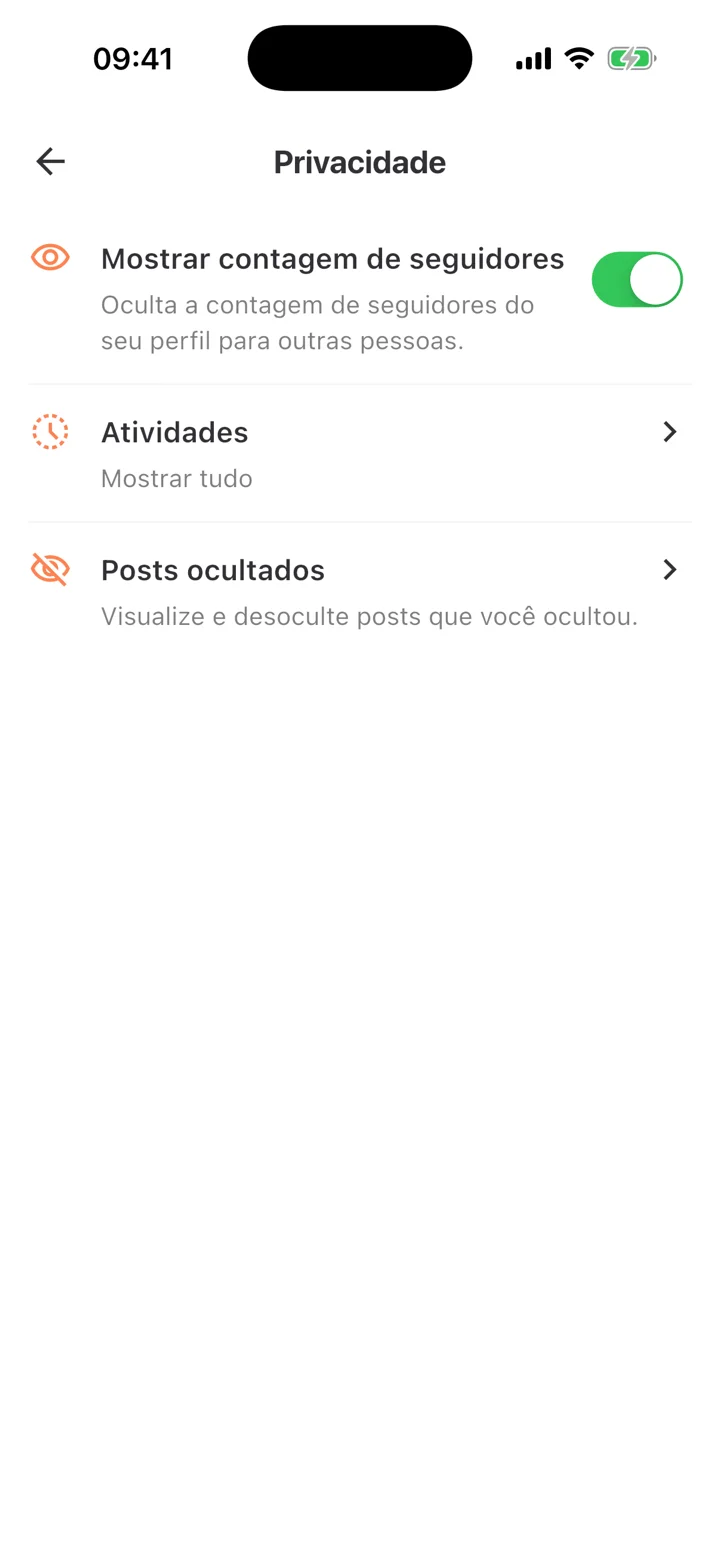
Decide what appears on your profile, who can talk to you and who you do not want to see
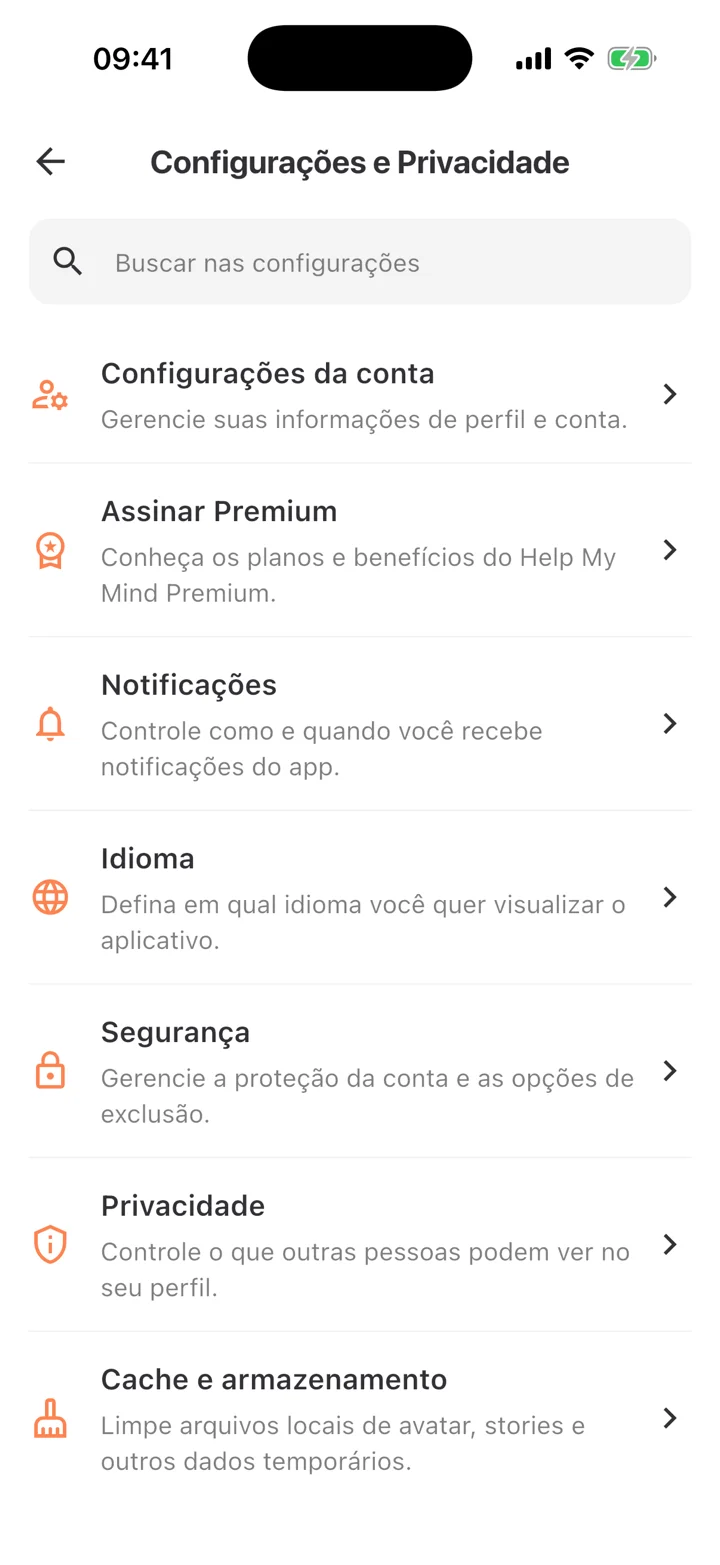
How it works
Profile curation
Hide your follower count, your activity and your connections list.
Block and mute
Block people who should not interact with you, or mute someone’s posts and notifications without them knowing.
Conversation permissions
Choose who can send message requests and keep an allow list of contacts.
Protected account
Turn on two-step verification with an email code and manage trusted devices.
Try it in the app
Help My Mind is free for Android and iPhone
Help My Mind is a user-run social network. It does not provide health services, individual guidance or emergency response.